
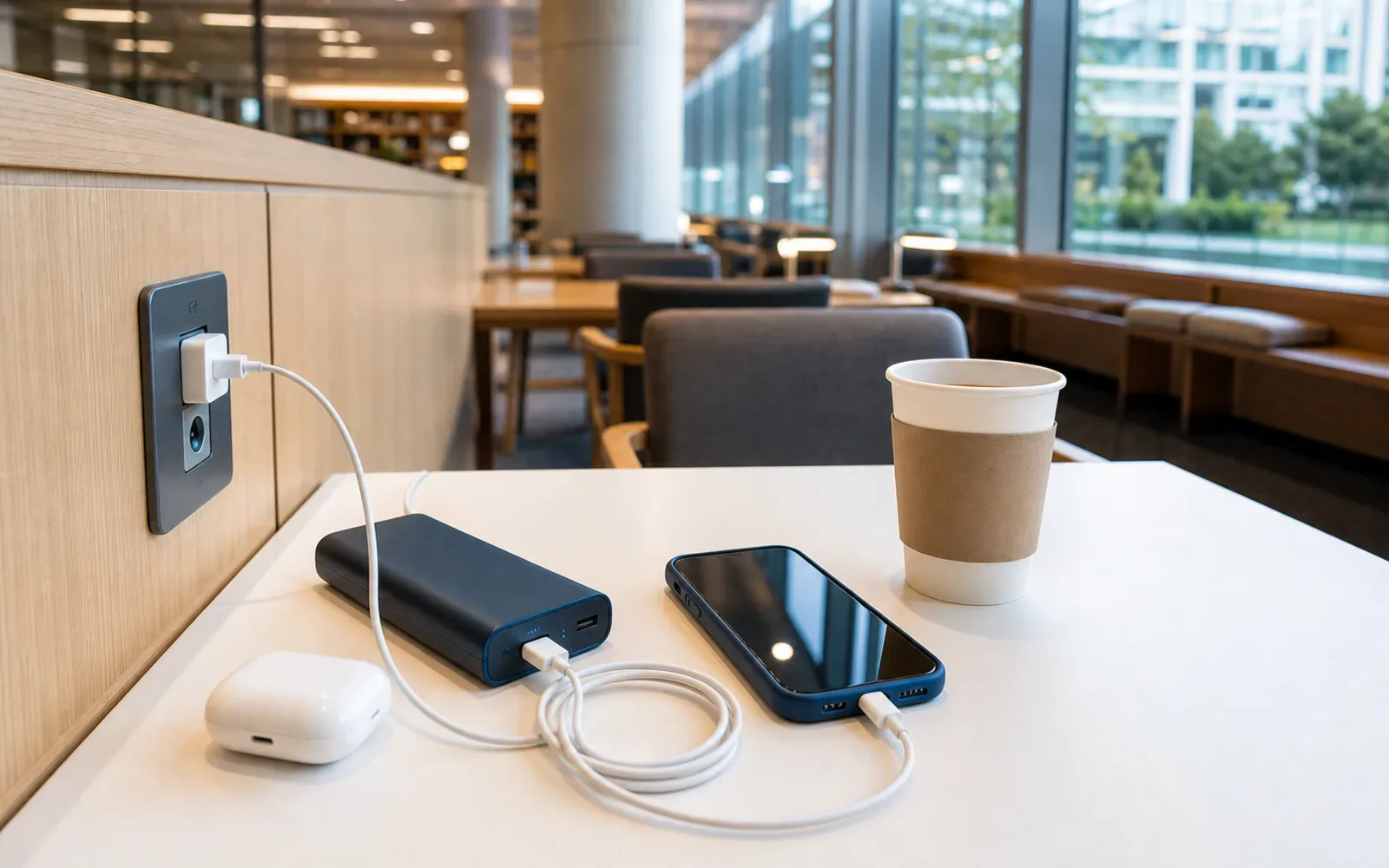
Public Wi-Fi is useful in Seoul, but it should be a backup rather than your only way to navigate, receive tickets or contact accommodation. Use a SIM or eSIM for essential access, official public Wi-Fi for ordinary browsing, and a power bank so charging does not depend on an outlet you have not verified.
Prepare the phone for the first journey, not only for the flight
Save the airport terminal, the accommodation’s Korean name and address, the first transport route and the check-in contact before landing. Put them in a note or another offline form you can actually open. A map pin that still needs a network connection is not the same as a saved address.
Keep the travel documents and ticket information you need in a suitable secure location on the device, with an independent recovery method where appropriate. Do not assume every ticket accepts a screenshot; use the issuer’s rule for that particular QR or mobile admission.
The useful test is whether you can explain the first journey with the phone temporarily offline. You do not need every map of Seoul downloaded. You need the arrival, the correct destination and enough information to ask for help without rebuilding the route from memory.
| Offline record | Why it belongs | What not to assume |
|---|---|---|
| Accommodation address in Korean | Helps navigation and legitimate transport communication | An English hotel name uniquely identifies the branch |
| First transport sequence | Keeps the route understandable after arrival | A saved station name includes the hotel connection |
| Required ticket or confirmation | Preserves the actual booking record | Every screenshot is accepted for entry |
| Support and contact route | Makes a disruption easier to resolve | The contact method works without any data or call plan |
Use public Wi-Fi for the jobs it can actually perform
Use the operator’s current network name and connection instructions rather than selecting a similarly named hotspot automatically. An official-looking name alone does not establish the identity of an unfamiliar network. If the connection request asks for unrelated credentials or an unexpected installation, disconnect and use another legitimate method.
A public network can provide ordinary browsing or a temporary backup, but it should not be the only layer supporting maps, messaging and a time-sensitive booking. Signal, access screens and crowd load can interrupt use even when Wi-Fi is advertised at the venue.
Keep mobile data available for the part of the itinerary that cannot wait. The plan is strongest when a public connection improves convenience rather than becoming the single point on which your whole arrival depends.
Test the charger, cable and battery as one kit
Use the actual phone, cable and power bank together before travel. A charged battery with the wrong connector or a faulty cable does not solve a low-phone-battery problem. Keep the capacity marking visible and follow the current airline’s carriage requirements for batteries.
Read the charger input label. A plug adapter changes shape; it does not automatically change voltage. Keep the appropriate adapter with the charger rather than packing them in different bags that become inaccessible during the journey.
Choose a compact kit you will carry during the day. Equipment left in a checked or stored suitcase is not a practical backup when the phone is needed for navigation and pickup.
A low-battery response with an order of priorities
First save or display the immediate route and destination address. Next tell any person or accommodation expecting an update. Then reduce avoidable background activity and use the tested battery. Keep the phone’s remaining power for navigation, communication and the actual payment or ticket task that matters.
Do not spend the last charge searching indefinitely for a free socket. A confirmed hotel or café facility can help, but its outlet access and operating rules remain specific to that business. A food purchase should not be presumed to buy unlimited charging time.
If the phone fails completely, use the independently saved destination and a legitimate information desk or service contact. That is why the offline address and the known first route belong in the plan before the problem occurs.
Finish the day by restoring the backup
Charge the power bank, check that tomorrow’s tickets and route remain current, and replace any failed cable before repeating the same setup. A backup used successfully today should be ready again tomorrow rather than assumed to remain full.
The effective Korea connection plan is modest: primary mobile access, an official public-network option, usable offline details and a tested charging kit. Each has a separate job, and no unverified café outlet needs to carry the whole itinerary.
A three-layer connection plan
| Layer | Use it for | Failure to expect |
|---|---|---|
| Primary mobile data | Maps, messages, tickets and payment verification | Coverage, roaming limit or activation problem |
| Official public Wi-Fi | Routine browsing and a temporary backup | Weak signal, login page or crowded access point |
| Saved offline information | Hotel address, ticket QR, route and emergency contacts | Information becomes stale if not refreshed |
Download the first-day route and save the accommodation address in Korean before the flight. A connection plan is strongest when losing one layer does not stop the trip.
Recognizing Seoul public Wi-Fi
Seoul Metropolitan Government identifies “SEOUL/Public Wifi Free” for general access and “SEOUL_Secure/Public WiFi Secure” for secured access in its public Wi-Fi guide. Network names and setup can evolve, so compare the current city instructions or signage rather than trusting a similarly named network.
The city says public Wi-Fi is installed across streets, parks, traditional markets, welfare facilities, buses and major visitor areas. Coverage is not a promise of a strong signal at every seat or underground corner. If the connection repeatedly drops, switch to mobile data instead of entering credentials into an unfamiliar portal.
Public Wi-Fi safety in plain terms
- Verify the network name against official signage.
- Avoid banking, password changes and sensitive document uploads on an open network.
- Prefer HTTPS pages and keep device software updated.
- Turn off automatic joining after the session.
- Do not install a certificate or app because a random pop-up demands it.
A captive portal may ask you to accept terms, but it should not need your email password or payment-card PIN. When a screen feels wrong, disconnect and use the official facility desk or mobile data.
Airports, stations, cafés and hotels
Seoul’s official visitor guide notes Wi-Fi availability at airports, hotels, tourist information centers, public facilities, subways, train stations and many restaurants and cafés. Availability and conditions remain facility-specific. A café purchase does not guarantee that an outlet is available or that long laptop use is welcome.
At a hotel, ask whether the lobby network and room network use different passwords. At a station, use the network named on official signage. At an airport, follow the airport’s own connectivity page rather than a blog screenshot from an older terminal layout.
Charging: carry the solution with you
A compact power bank is more dependable than searching for a free socket. Check airline rules before packing it: spare lithium batteries and power banks usually belong in carry-on baggage, and capacity limits apply. Keep the capacity marking readable.
Korea uses 220-volt electricity and round two-pin plugs. Many modern chargers accept 100–240 volts, but read the charger label; a plug adapter changes the shape, not the voltage. Do not connect a voltage-limited appliance without the correct converter.
Bring one short cable you know works and, if several devices matter, a compact multi-port charger. Charging lockers, rental batteries and café outlets can be useful, but fees, returns and operating areas vary. Treat them as supplements.
Check the cable and port before leaving home
A full power bank is useless with the wrong connector or a damaged cable. Test the exact phone, cable and battery together, including any USB-C or Lightning adapter. If the same cable is needed for both the phone and another device, pack a spare rather than moving one cable between bags all day.
Label rental or borrowed accessories so they do not disappear into hotel bedding. At public charging furniture, keep the phone in sight and disconnect it before leaving the seat. A free outlet is not secure storage.
Do not let a rental battery create a return problem
Before renting, check the price unit, deposit, accepted payment method, return network and maximum charge. A battery that must be returned to the same brand’s station can become inconvenient if your day ends across Seoul. Photograph the rental screen and return confirmation.
The low-battery sequence
- Turn on low-power mode and reduce screen brightness.
- Screenshot the current route and destination address.
- Message the person or accommodation that needs an update.
- Stop video uploads and background syncing.
- Use the power bank before the phone reaches a critical level.
Keep the phone for navigation and communication rather than entertainment until you reach a stable charging point. If payment depends on the phone, retain a physical card and small cash reserve; the visitor payment guide explains that backup.
What to save offline before day one
- Accommodation name, address and phone number in Korean.
- Airport-to-hotel route and final check-in instructions.
- Ticket QR codes that work from a screenshot where permitted.
- A subway map or route screenshot.
- Travel-insurance and emergency contact details.
For transit-specific connectivity and route planning, read the T-money guide and Seoul subway mistakes guide.
Official connectivity references
- Seoul Metropolitan Government: public Wi-Fi network guide
- Seoul Metropolitan Government: 2026 public Wi-Fi quality program
- Seoul official 2026 visitor guide: roaming and Wi-Fi
Accuracy boundary: Network names, authentication, rental-battery fees and facility outlet policies can change. Use the current official sign or service screen before connecting or paying.