
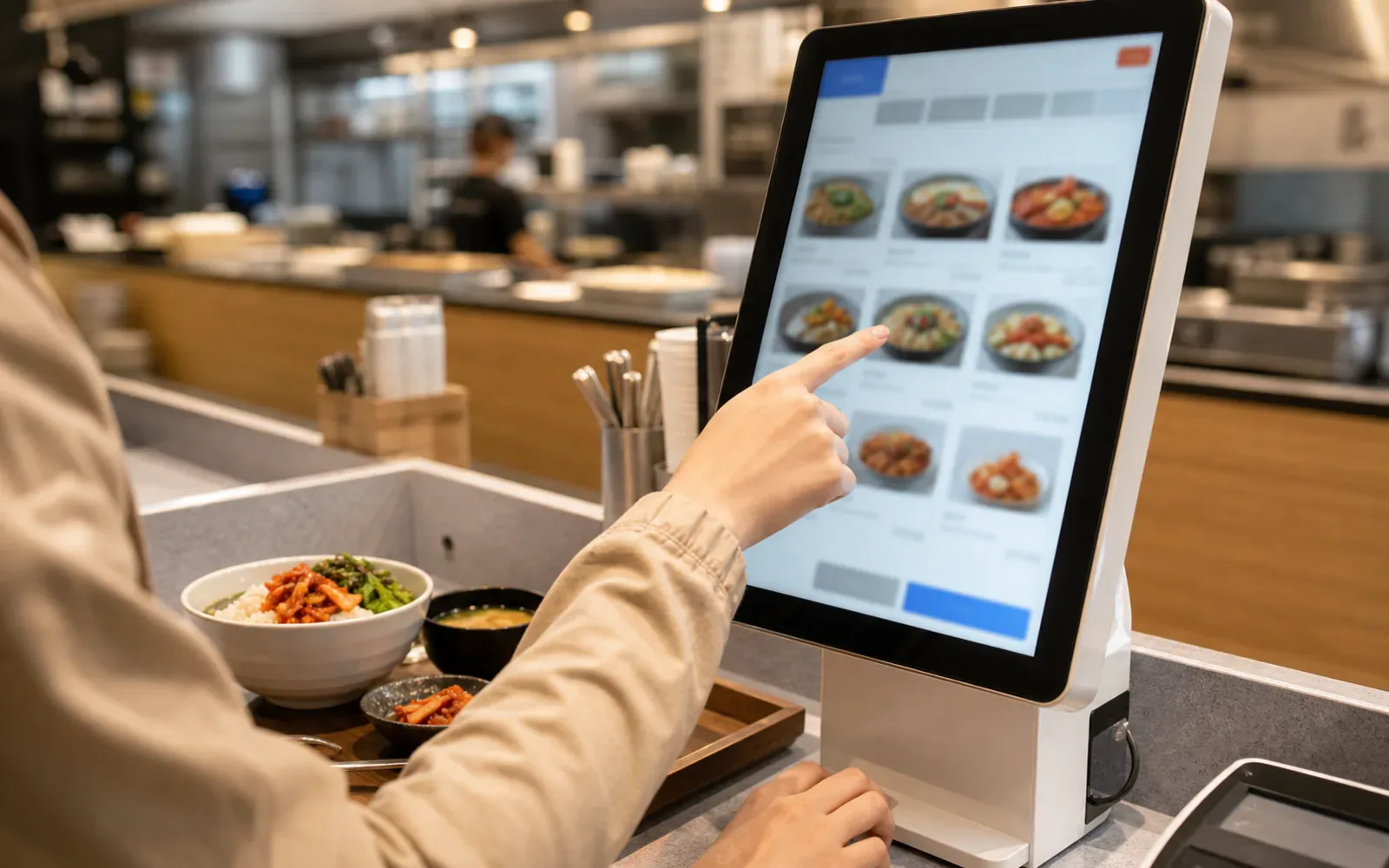
You do not need fluent Korean to order a normal meal, but you do need to recognize the ordering system. Decide whether you order with staff, at a kiosk, on a table tablet or through a QR page. Then confirm the dish, quantity, options and payment before trying to translate every word.
First identify where the order happens
| System | What to look for | Common mistake |
|---|---|---|
| Staff at the table | Menu number, quantity and any minimum order | Pointing at a photo without confirming the size |
| Front counter | Pay first, then keep the receipt or order number | Sitting down before ordering |
| Kiosk | Language button, dine-in/takeout and cart total | Adding a set or topping by accident |
| Table tablet | Branch-specific menu and final submit button | Assuming items in the cart were already sent |
| QR page | Restaurant domain, table number and payment stage | Entering payment data on an unrelated page |
Translate the decision, not the entire menu
Start with the dish name and the words that change the order: spicy level, hot or cold, portion size, meat type, topping, set, takeaway and sold out. A full camera translation can jumble columns and prices. Crop the relevant line and confirm the option list separately.
If the menu has numbered photographs, show the number and hold up the quantity. For a shared dish, ask whether the listed price is per person, per portion or for the whole plate.
Confirm the order in one short loop
After pointing or selecting, repeat four facts: the item, quantity, size and any removal request. On a tablet or kiosk, the cart is that confirmation. With staff, show the menu line again and use fingers for quantity. This is clearer than sending a long machine-translated paragraph across a noisy table.
When the receipt arrives, compare the item count and total before food preparation is complete. If something is wrong, point to the specific line and stay calm; adding more translated explanation can make a simple quantity error harder to see.
Kiosk checks before payment
- Choose dine-in or takeaway.
- Confirm the base item before adding options.
- Review quantity in the cart.
- Check whether cutlery, a drink or a side is included.
- Keep the order number until the food arrives.
Some kiosks accept foreign cards and others do not. A rejected card does not necessarily mean the account is blocked; the terminal or payment network may be the issue. Carry a second card and a modest cash backup.
Dietary restrictions cannot rely on “no” plus one ingredient
Removing a visible piece of meat does not remove meat stock, fish sauce, shrimp paste or a shared cooking surface. For allergies, show a translated statement describing the ingredient and the severity. Ask whether the kitchen can prepare the dish safely; do not pressure staff to promise certainty when cross-contact is possible.
“Not spicy” can mean less chili rather than none. Vegetarian, halal-friendly and allergy-safe are different questions. Our vegetarian guide and Muslim-friendly food guide explain the boundaries.
Water, cutlery and side dishes may be self-service
Korea Tourism Organization guidance notes that casual restaurants increasingly use self-service areas for water and side dishes. Look for a counter before calling staff. Spoons, chopsticks and napkins may be in a drawer under the table.
Extra side dishes are often available, but not every item is unlimited and premium additions can cost money. Take a small amount first and follow the signs at the refill area.
Calling staff and asking for the bill
Many tables have a call button. Press it once and wait; the sound may be loud. In a restaurant without a button, “yeogiyo” is a common way to get attention. Pointing to the menu and saying the quantity is often clearer than a long translated sentence.
Payment is frequently made at the front counter even if you ordered at the table. Bring the table slip or tell staff the table number. Ordinary restaurant service in Korea does not generally use a tipping line, according to KTO visitor guidance.
Delivery is a separate problem
Delivery apps may require a Korean phone number, local payment method or precise Korean address. Some multilingual services are built for visitors, but coverage, markup and pickup rules vary. Ask your accommodation whether delivery drivers may enter or whether you must meet them in the lobby.
Do not use a restaurant-ordering guide as proof that a delivery app will work. The Korea Tourism Organization’s delivery article identifies visitor-oriented services but also advises checking the current app process.
A useful fallback when communication fails
Move from complex to simple: choose a photographed single-item dish, use a food court or gimbap shop, or go to a restaurant with a multilingual kiosk. If a restriction cannot be explained safely, leave and use a prepared backup. A meal should not become a test of persistence.
The Korean barbecue guide covers table-grill orders and minimum portions. For paying after the meal, see how visitors can pay in Korea.
Official visitor resources
- VISITKOREA: Korean meals and restaurant customs
- VISITKOREA: food delivery guidance for visitors
- VISITKOREA: official food and restaurant portal
Accuracy boundary: Ordering and payment systems differ by restaurant. This guide describes a verification process and does not promise that a venue can accommodate an allergy, religious restriction or foreign payment card.